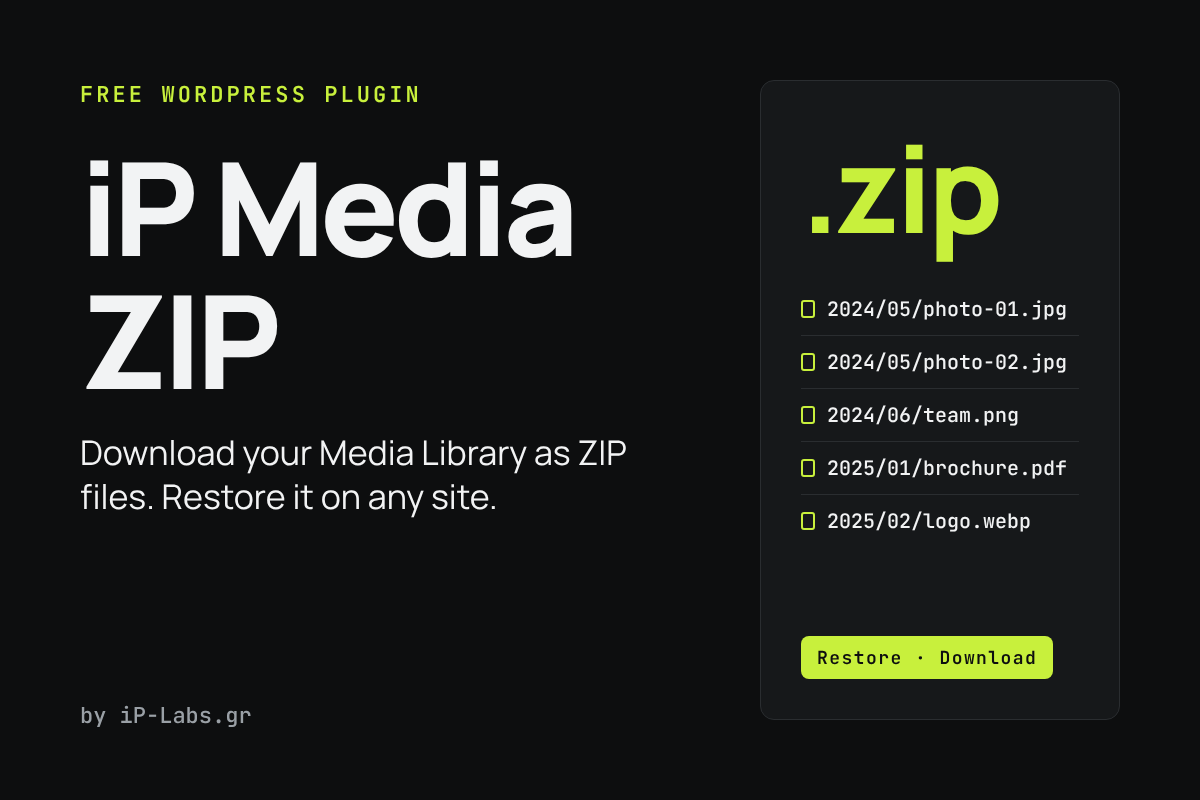
iP Media ZIP packs the original files of your Media Library into ZIP files you can download, and restores them from those ZIPs. Use it for backups or to move your media to another site.
What it does
- Downloads the originals only, with the year and month folders kept.
- Filters by upload date range and file type.
- Builds the ZIP in chunks, with a progress bar. Large libraries are split into several parts (500 MB each by default).
- Restores from one or several ZIP parts, on the same site or on a new, empty one. Files that already exist are skipped, never overwritten.
- Uploads in small pieces, so your server’s upload limit does not stop a restore. If you close the tab, it resumes where it stopped.
- Restores only file types WordPress allows. Files such as php or exe are rejected.
How to install
- Download the ZIP with the button above.
- In WordPress, go to Plugins → Add New → Upload Plugin, choose the file and activate it.
- Open Settings from the Plugins screen (Media → Media ZIP) to download or restore your files.
Free to use and share under the GPL. By iP-Labs.gr.