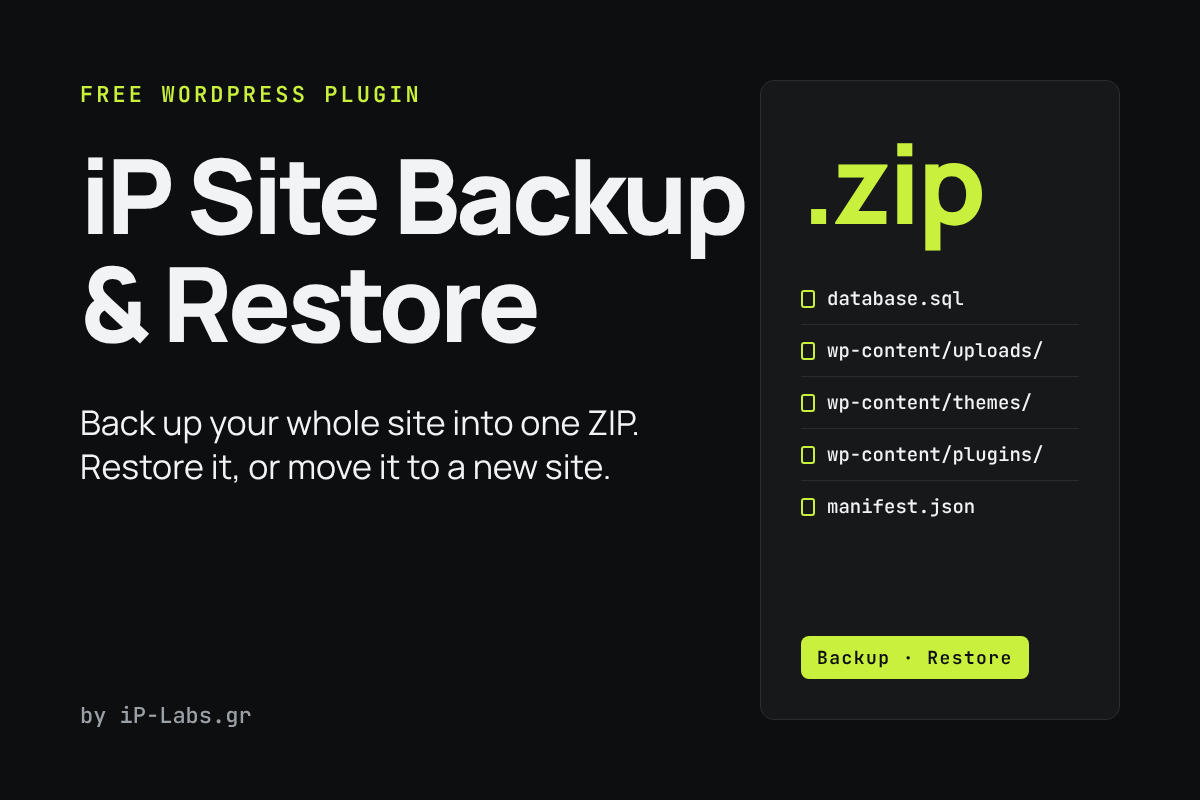
iP Site Backup & Restore saves your whole site, files and database, into a single ZIP. You can download it, restore it on the same site, or upload it to another site to move your site there.
What it does
- Creates a full backup: the database, plus everything in the WordPress folder (cache and other backup plugins’ folders are left out).
- Lets you restore from the list of backups or from a ZIP you upload. You choose what to restore: database, uploads, themes, plugins, other wp-content files, and WordPress core (off by default).
- Takes a safety backup of the current site before every restore, so you can go back.
- Moves a site to a new address or table prefix. It replaces the URLs in the database, including serialized data and block data, and never changes post GUIDs.
- Keeps the users of the new site by default, so you stay logged in after a migration.
- Can keep only the latest N backups and delete older ones automatically.
Good to know
- It is built for sites up to about 500 MB. Everything runs in one request, so a very large site can hit your host’s PHP time limit.
- Restoring from an upload is limited by your server’s upload size.
- It needs the PHP Zip extension. Only administrators can use it, and backup files are stored in a protected folder.
- It overwrites files and the database. Try a restore on a test copy of your site first.
How to install
- Download the ZIP with the button above.
- In WordPress, go to Plugins → Add New → Upload Plugin, choose the file and activate it.
- Open Settings from the Plugins screen (Tools → Site Backup) to create a backup or restore one.
Free to use and share under the GPL. By iP-Labs.gr.