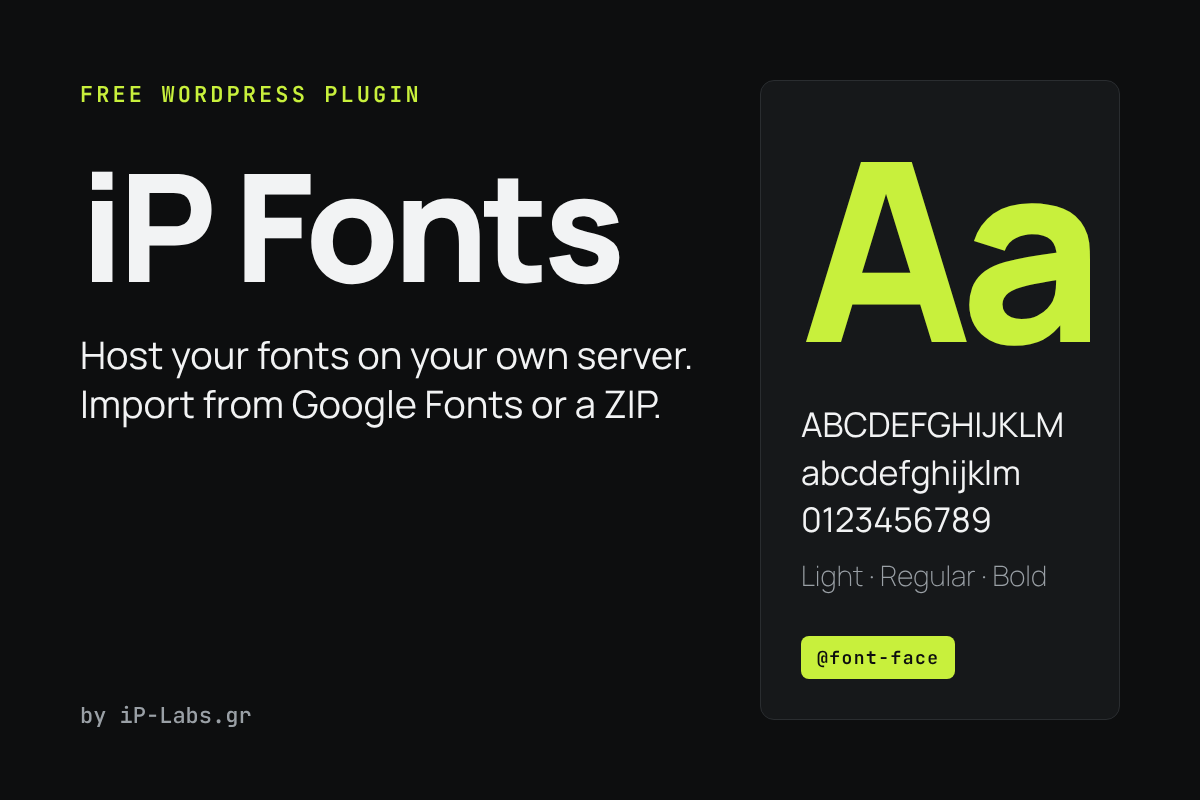
iP Fonts hosts your fonts on your own server. Paste a Google Fonts link or upload a ZIP, and the plugin takes care of the rest: it adds the @font-face rules, preloads the files and can remove the requests your site makes to Google Fonts.
What it does
- Imports a font family from a Google Fonts link and stores the files on your site.
- Accepts a ZIP with .woff2, .woff, .ttf or .otf files. If the ZIP has a variable font, it uses that instead of the static files.
- Writes the
@font-faceCSS for you and preloads the font files. - Scans your home page for Google Fonts requests and removes them when you switch it on. Nothing is removed until you press the button.
- Lets you choose the
font-displayvalue and shows your fonts in Global Styles and the Site Editor (theme.json).
How to install
- Download the ZIP with the button above.
- In WordPress, go to Plugins → Add New → Upload Plugin, choose the file and activate it.
- Open Settings from the Plugins screen, import your fonts and run the scan.
Free to use and share under the GPL. By iP-Labs.gr.