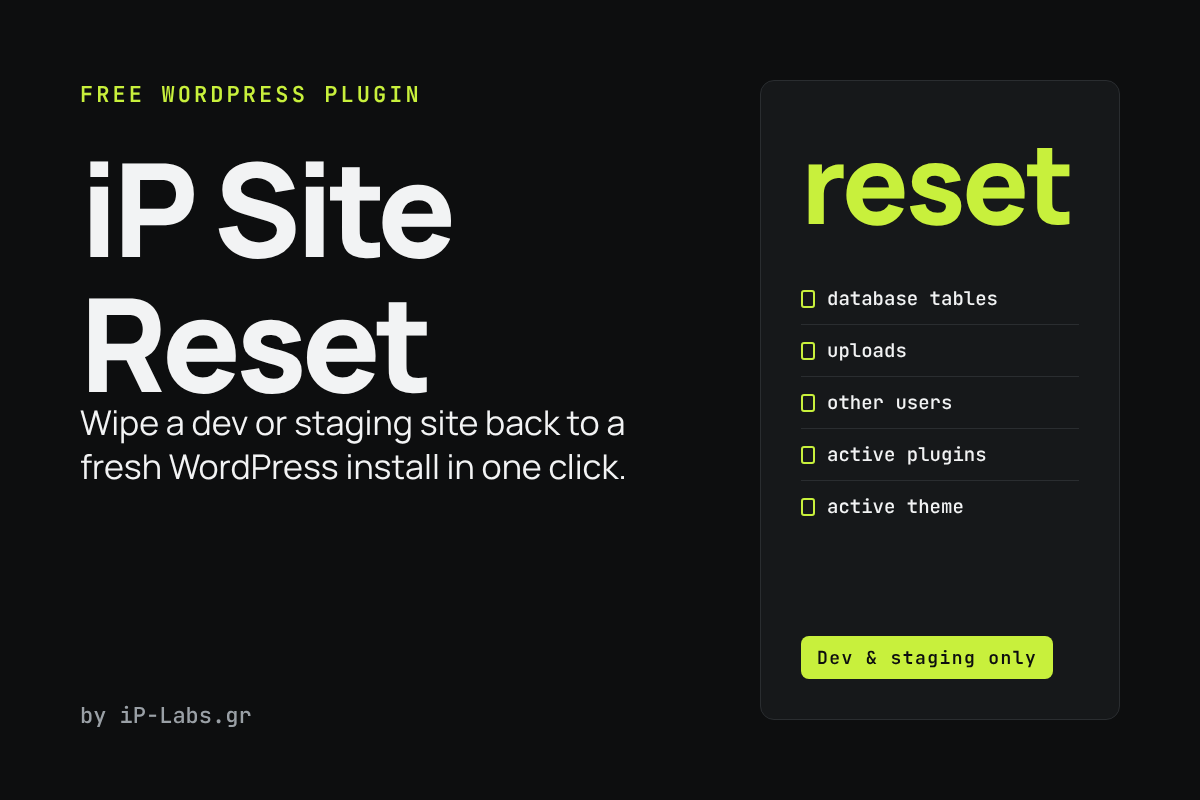
iP Site Reset sends a WordPress site back to a fresh install: it empties the database, the uploads folder, the plugins and the theme. It is made for development and staging sites, never for a live site.
What it does
- Drops all the site’s database tables, except the user tables, and installs WordPress again.
- Keeps the site title, address, language and search engine visibility.
- Keeps your own user: same username, email and password, and you stay logged in. All other users are deleted.
- Deletes everything in the uploads folder.
- Deactivates all other plugins (their files stay) and switches to the default theme.
- Shows the list of tables before you confirm, and asks you to type the word
reset.
Good to know
- This cannot be undone. Take a backup first, for example with iP Site Backup & Restore.
- Only administrators can use it. It does not work on multisite.
- The reset runs in two steps, so the other plugins are not loaded while the tables are dropped.
How to install
- Download the ZIP with the button above.
- In WordPress, go to Plugins → Add New → Upload Plugin, choose the file and activate it.
- Open Settings from the Plugins screen (Tools → Site Reset) to run the reset.
Free to use and share under the GPL. By iP-Labs.gr.